

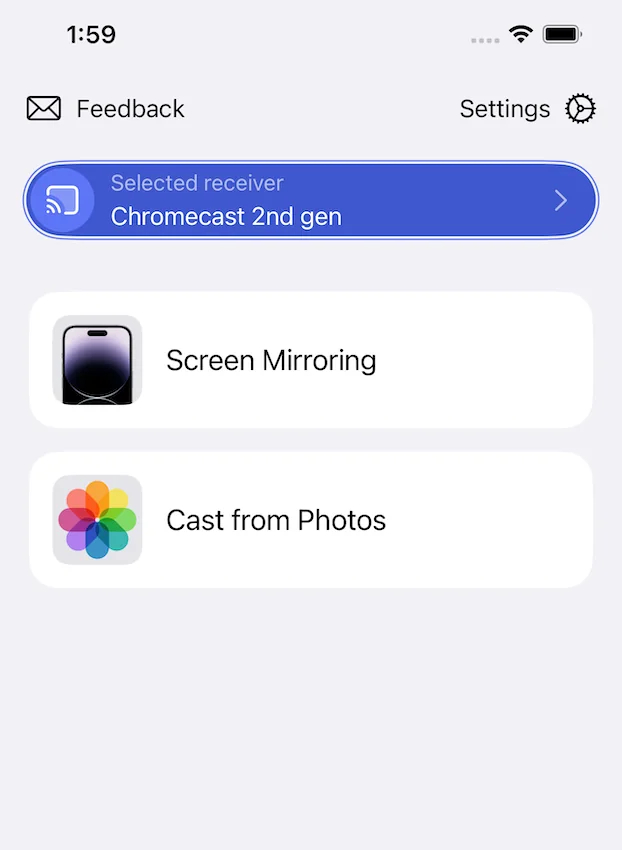
One App for Every Screen in the House
Cast over Chromecast, AirPlay, Miracast or DLNA, straight from the phone in your hand.
New TVs and Old Ones
Cast to Samsung, LG, Sony, Roku, Vizio, TCL and Chromecast devices. Compatibility settings keep older network-capable sets working too.
No Ads While You Cast
Nothing interrupts what is on the big screen. No banners, no pre-roll, no countdown before you can watch.
Photos, Video, YouTube and Music
Send anything from your library in two taps, or play music through Google Cast speakers without switching the TV on at all.
Near-Zero Latency on Chromecast
On Chromecast-powered devices the picture keeps up with your phone, which is what makes gameplay and fast video watchable.
Get Started in Seconds
1. Download the App
Get the app from the App Store.
2. Connect to Wi-Fi
Make sure your iOS device and TV are on the same Wi-Fi network.
3. Start Mirroring
Select your TV and start casting. It's that simple!
Have Questions?
Check our FAQ for more information about Screen Mirroring app.