
Turn Your iPhone into a Remote for Any Smart TV
Remote Control TV is an iOS app that turns your iPhone or iPad into a universal remote for any smart TV. Connect over Wi-Fi. No extra hardware needed. Works with Samsung, LG, Sony, Roku, Vizio, TCL, Hisense, Philips, and more.


Free 3-day trial, then weekly, yearly or lifetime purchase. Cancel anytime in App Store settings.
Want to be a pioneer?
Help us test the new Remote TV app for iOS.
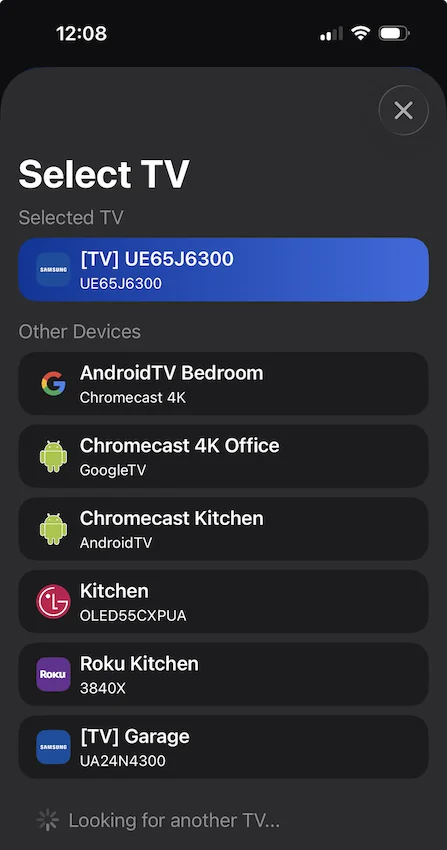
What Your Old Remote Can't Do
Working with every major brand is the baseline. These are the reasons the app stays on your home screen.
Type With Your Phone Keyboard
Search YouTube or sign in to an app by typing on your iPhone. No more spelling out a password one letter at a time on an on-screen grid.
One Tap Instead of Six
Record a sequence once (power on, switch the input, open your app) and replay the whole thing from a single custom button.
Your Channels, Your Order
Keep the channels you actually watch in the guide instead of the order the manufacturer chose. Sign in and they follow you to your other devices.
Macros and favourites are part of the premium plan.
Simple and Intuitive Control
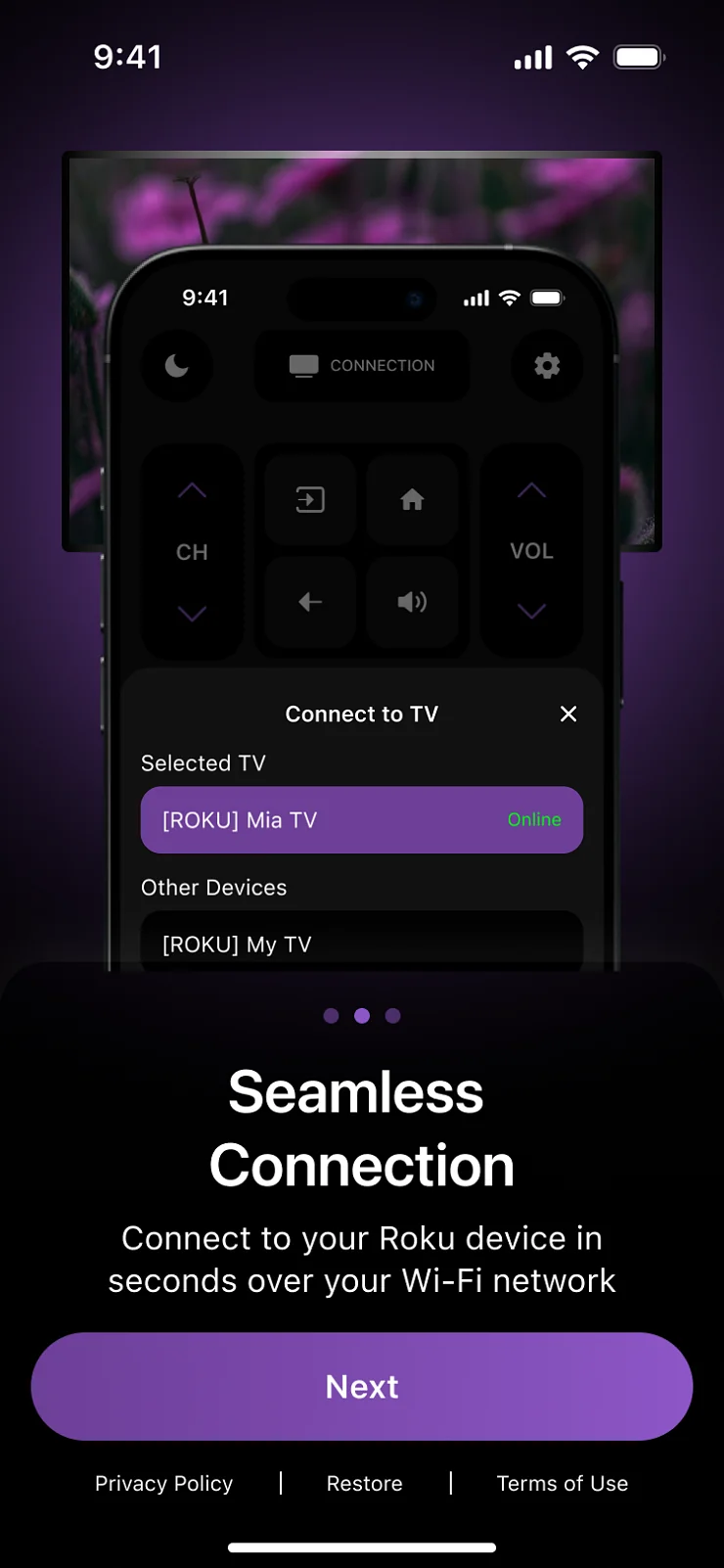
Main Screen
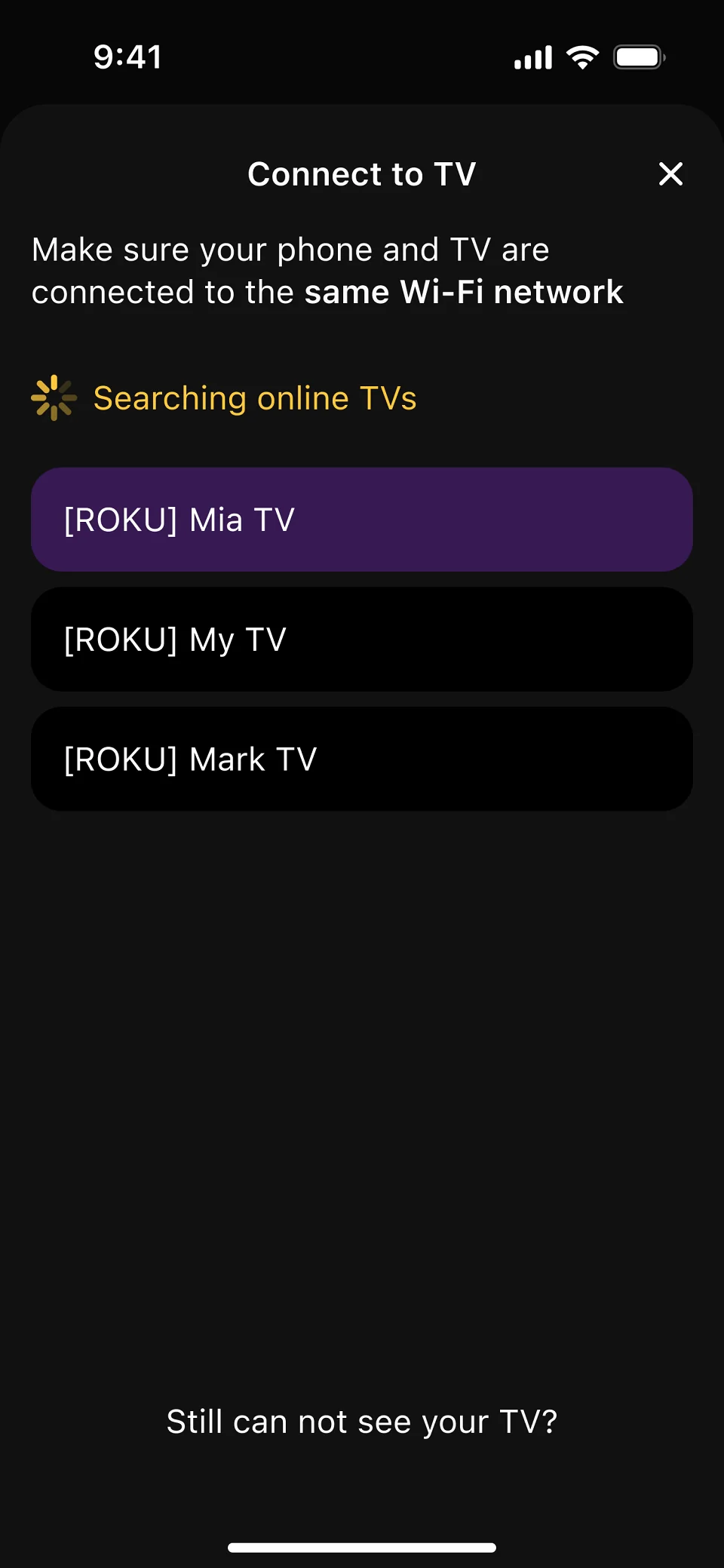
Device Discovery
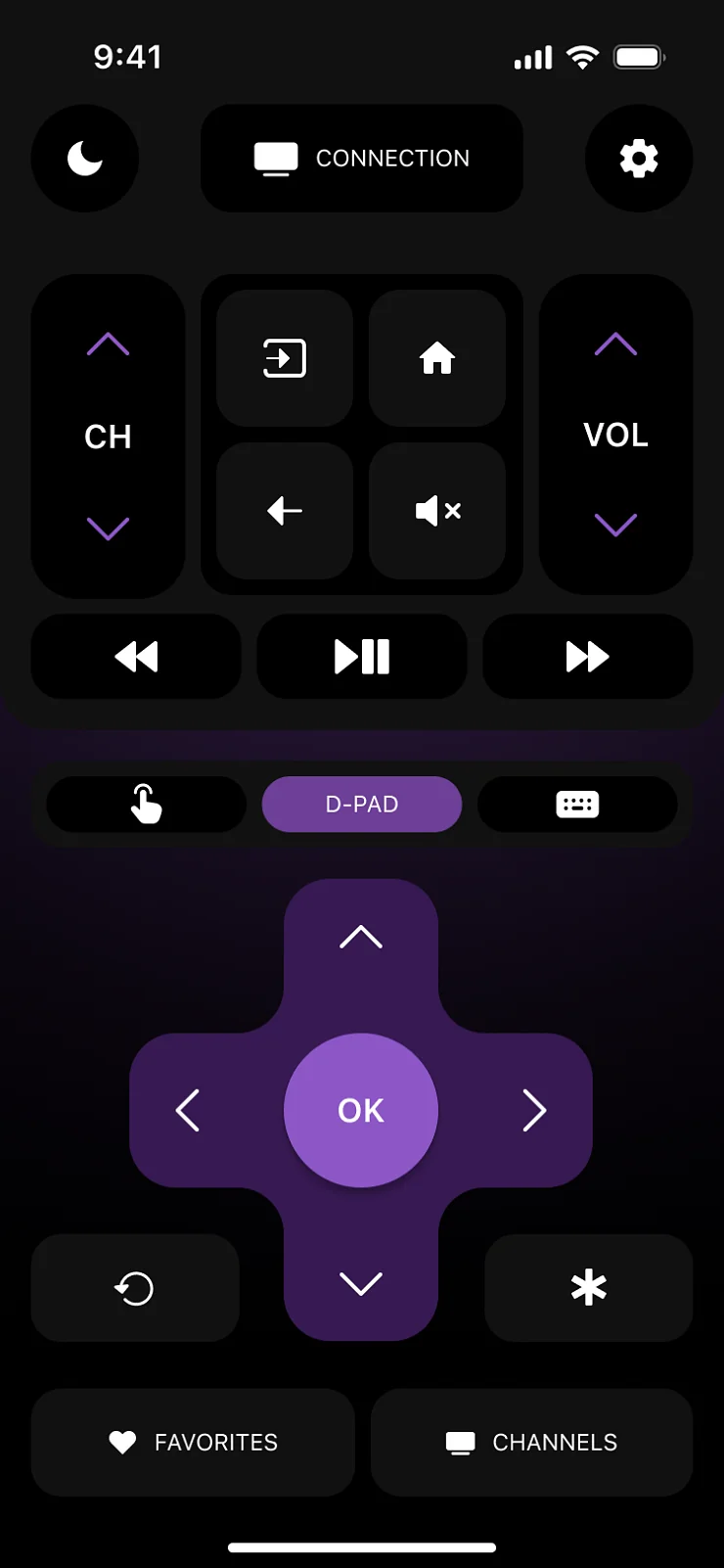
Remote Interface
Say goodbye to lost remotes! Puts smart TV control in your pocket: fast, simple, and always ready.
Get Started in Seconds
1. Download the App
Get the app from the App Store or Google Play (Coming Soon).
2. Connect to Wi-Fi
Let the app automatically find devices on your Wi-Fi network.
3. Start Controlling
Pair with your TV and enjoy the convenience!
Have Questions?
Find answers to setup, compatibility, and feature questions in our detailed FAQ, or contact our support team directly.